AI telephone assistant with automatic email reports
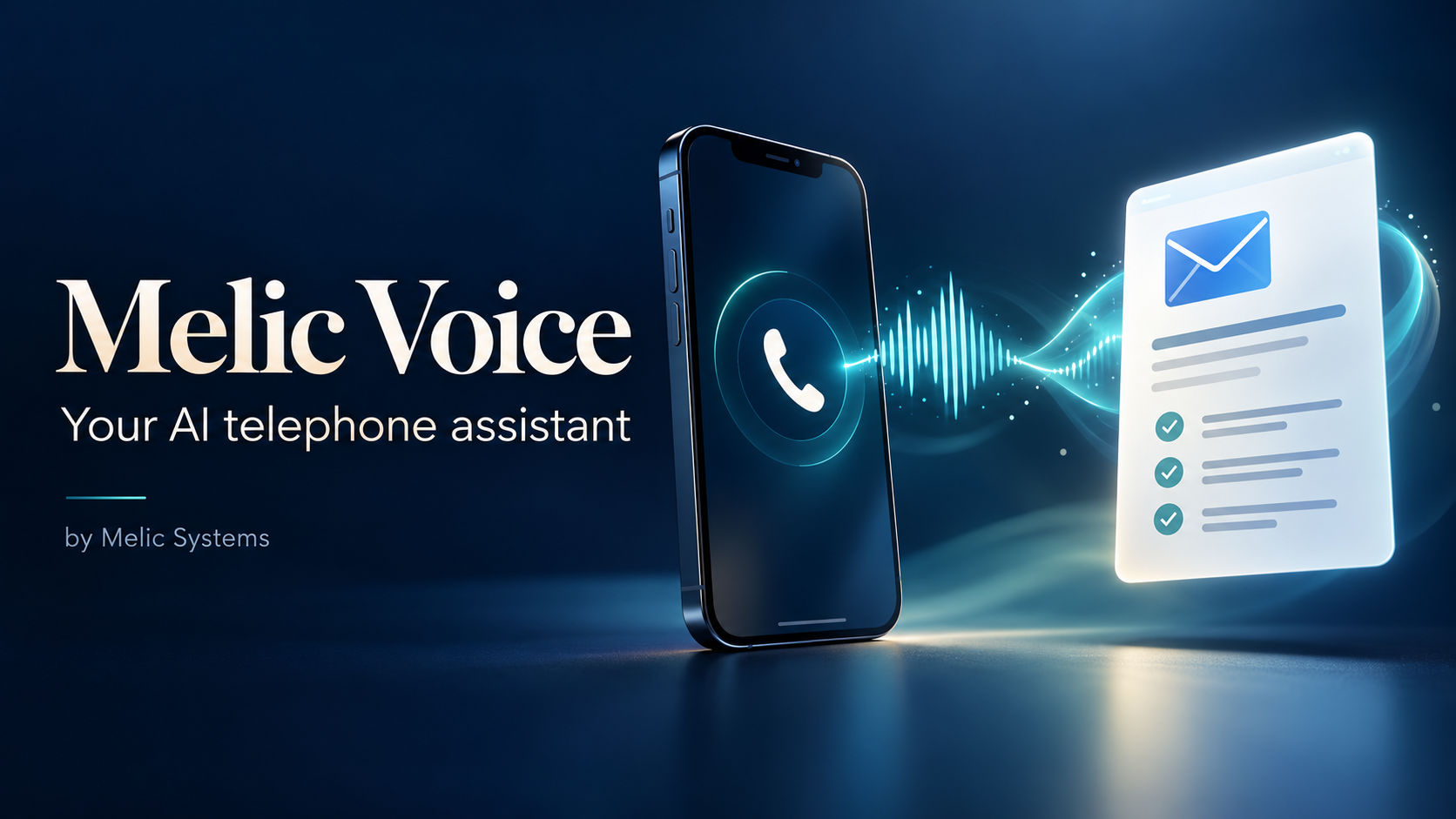
Melic Systems can set up an AI telephone assistant that answers incoming calls, engages customers in a natural conversation and answers questions using information approved by your business.
The assistant can ask relevant questions, collect enquiry details and identify what the caller needs. Once the call has finished and the report has been prepared, a summary and full written transcript are automatically emailed to your nominated address. The caller’s telephone number is included when available.
What does setting up the service involve?
The setup brings together a telephone number, an AI assistant, your business information and an automatic email reporting service. Melic configures these parts and tests them together before launch.
1. Understanding your business and requirements
We begin by agreeing what you want the assistant to handle. This could include answering common questions, explaining services, taking enquiries or gathering information before someone from your team calls back.
You provide your business details, opening hours, services, frequently asked questions and any rules the assistant needs to follow. We also agree which matters need human attention and what the assistant should do when it cannot answer confidently.
2. Arranging the telephone number and call routing
The assistant needs a telephone number and a connection that routes calls to it. Melic helps arrange a suitable number and configures the connection to the assistant.
If you want to continue advertising your existing number, we can investigate forwarding calls from it. Depending on your telephone service, this could be all calls, unanswered calls or calls outside your normal opening hours.
You would provide details of your existing telephone arrangements, your preferred answering schedule and any business information required to register the number. We guide you through account setup and any authorisations needed.
3. Creating and configuring your AI assistant
Melic creates the assistant and configures its voice, greeting, tone and conversation instructions to suit your business.
We define how it answers questions, asks for clarification, collects contact details and brings conversations to a close. We also set boundaries around what it may promise and how it handles questions that require a member of your team.
You help choose the style of the assistant and approve how it represents your business.
4. Preparing the business knowledge
The assistant needs a reliable source of information. Your website, service documents and existing answers to customer questions can provide the starting material.
Melic organises this information into a knowledge base that the assistant can consult during calls. You review it for accuracy and identify anything that should not be discussed.
You do not need to write the assistant’s technical instructions. We prepare those from the information and requirements you supply.
5. Configuring automatic email reports
Melic sets up the connection that receives the completed call information and prepares it for email delivery.
We configure the receiving email address, an authorised sending service and the report format. A report can include the call summary, full transcript, available caller number, call time and duration. We can also agree which details the summary should highlight, such as the service requested or the follow-up needed.
You provide the destination email address and confirm who should receive the reports. If reports need to be sent from your own business domain, we may need assistance from whoever manages your domain or email settings. Receiving reports does not require access to your mailbox password.
Caller numbers may be withheld or unavailable. The assistant can be configured to ask for a callback number when appropriate.
6. Hosting and running the reporting service
The automatic reporting process needs somewhere to run. Melic can provide a hosted setup that operates independently of your website.
This includes receiving call reports, queuing emails for delivery and checking for delivery problems. You do not need to leave a computer switched on or manually run anything after each call.
We agree how call information is stored, who can access it and how long it is retained.
7. Testing and launching
Melic tests the complete process using real telephone calls. This includes checking the conversation, the accuracy of answers, the information collected and the arrival of the email report.
You try the assistant, review example reports and approve the setup before it goes live. Any agreed call-forwarding or human-transfer arrangements are also tested.
What is required from your business overall?
Your main involvement is supplying accurate business information, making the necessary account and telephone decisions, choosing the report recipients and approving the test results. Melic handles the technical configuration and guides you through any access or verification steps.
After launch, you should tell us when services, opening hours, contact details or other business information change so the assistant can be kept current. Ongoing support and maintenance are agreed as part of your service.
Can additional features be included?
Appointment booking, live call transfers and connections to customer or order systems can be discussed. These require their own configuration, permissions and testing, so we confirm what is possible before including them.